WhatsApp Plus
Download or update WhatsApp Plus APK 2025 Latest Version improved and customized privacy options, share data without limit or size.

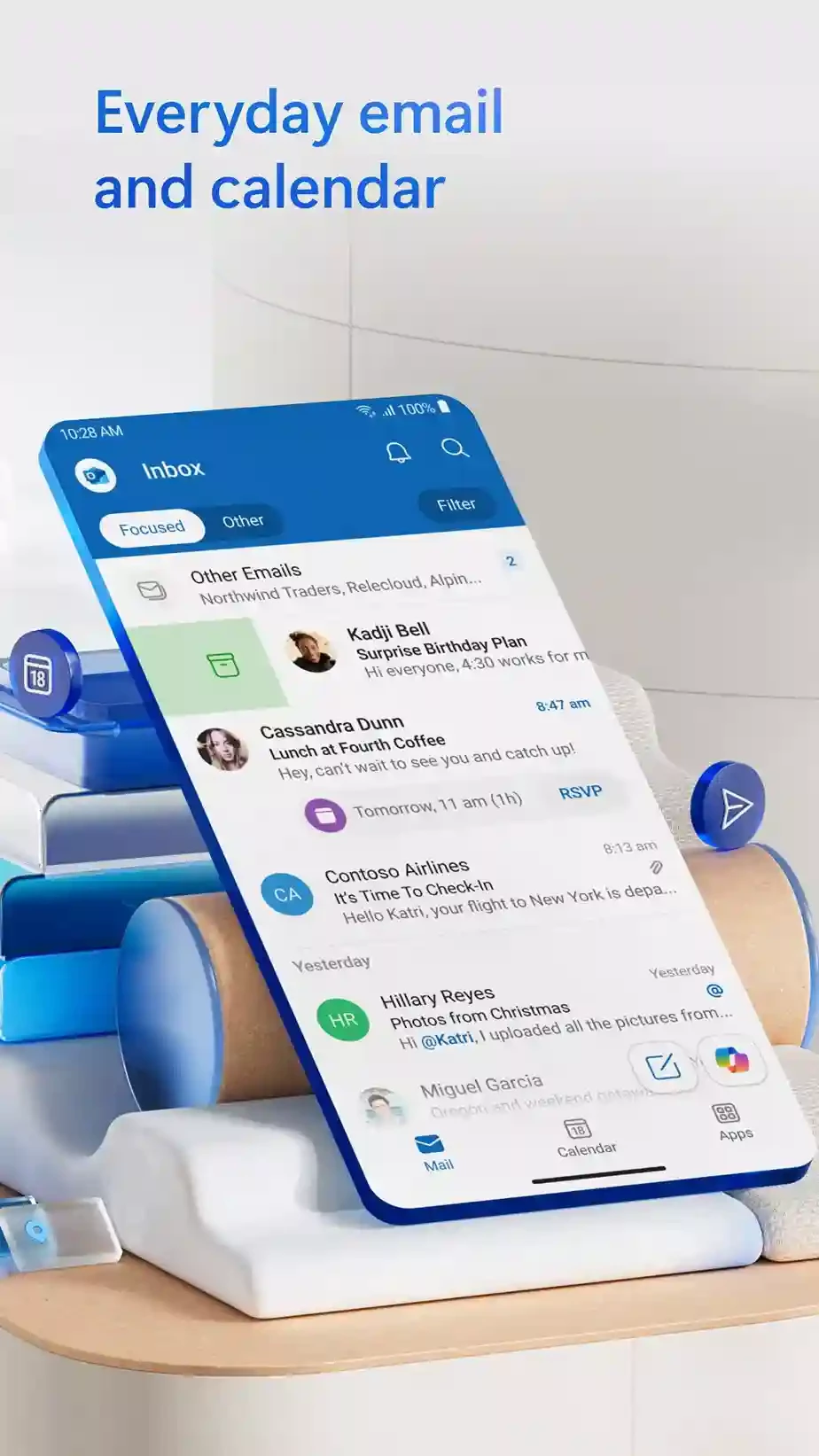
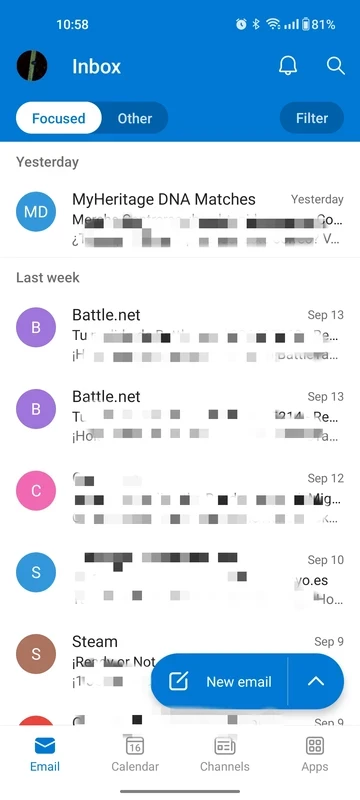
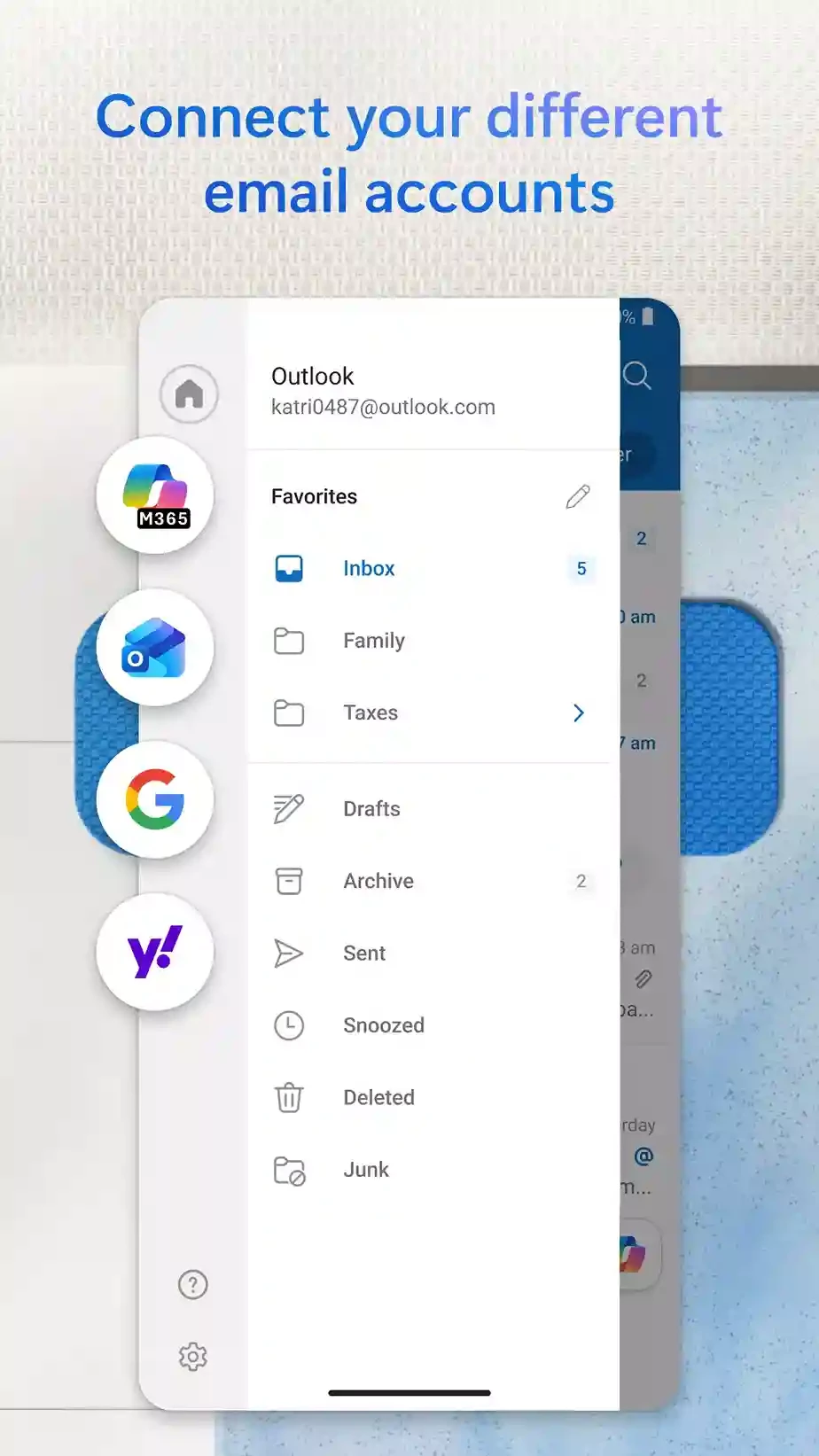
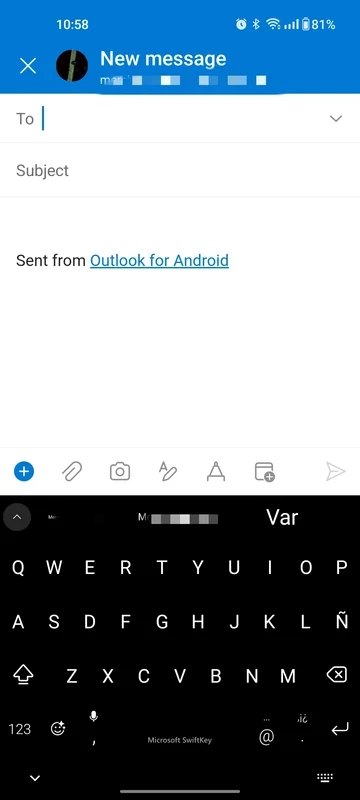
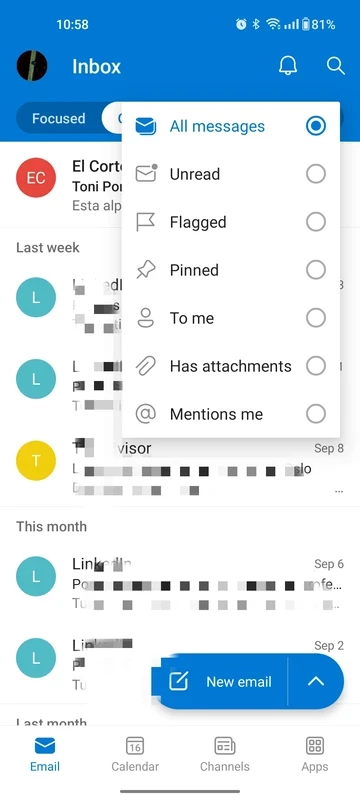

Microsoft Outlook is an official email client of Microsoft for smartphones that enables users to manage their email accounts while combining the emails, calendars, contacts, and other related tasks. It enhances productivity, regardless of personal or professional fields. Similar to other email clients, you can sync your schedules, calendars, and messages across multiple devices.
The app is one of the most popular email clients and is used by millions of people across the world. It facilitates efficient communication as well as organization within well-integrated innovative features. The cross-platform utility within a simple and customizable interface allows users to make changes according to their preferences.
Microsoft Outlook is a mobile personal information manager (PIM) that is designed for Android as well as iOS devices. In April 2014, it was released by the venture capital-backed startup Acompli, and Microsoft acquired it in December 2014. Acompli re-branded it as Outlook Mobile while sharing the name with PIM Outlook and the Outlook.com service offered by Microsoft.
It combines entire communication functionality, including email, calendar, and contacts, on an exclusive platform, instead of going to different apps for different functionalities. So, no need for other apps, simply view your messages, calendars, files, and locations within the ‘focused inbox’. It is also integrated to other Microsoft products; however, you can install it as a standalone app as well.
You are capable of grouping emails and conversations by subject. It helps you to easily track your important information and discussions, and maintain a clean inbox to effectively manage your emails. It also offers “Focused Inbox” within intelligent filters to separately manage your important messages. In the way, you can access to your most relevant emails while prioritizing the most important emails.
The app helps to enhance the productivity while working as a full personal information manager. You can combine entire productivity including email, calendar, contacts, tasks, notes, and so on in an exclusive system. The integration to other productivity apps such as Microsoft Exchange, Microsoft 365, Outlook.com, Gmail, Yahoo Mail, iCloud, and other IMAP and POP3 accounts makes your collaboration, file sharing, and operating other tasks more reliably.
The calendar integration allows the users to manage their schedules more reliably such as events, meetings, reminders, and so on. No need of switching to other app, instead view your meetings and other appointments right in your inbox. You can easily sync other accounts such as Google Calendar, and add meetings effortlessly. It also offers auto-suggesting for meeting times as according to the availability of user and participant to simplify event co-ordination.
The robust search tool is equipped with both text and voice functionality to make searching of people, contacts, emails, events, and attachments. In case of searching something from huge collection of emails, you can use filters to categorize the results by sender, date, or specific folder, and save your time and energy. It simplifies communication while offering quick responses to common inquiries.
A simple and clean interface enables users to manage emails and other related tasks efficiently. You can customize the interface according to your preferences, such as inbox rearranging, adding themes, dark mode activation, gesture configuration, including swiping to archive, or deleting emails, and so on. In this way, you can make the navigation of your app quick and intuitive.
The app along with all basic functionality, also embedded with advanced email management tools to enhance your everyday functionalities such as messages scheduling, smart alerts receiving, using mentions, setting up attachment reminders, etc. it also offers support for Quick Parts for reusable text, ignore rules, conversation cleanup, automatic calendar updates with facility of adding of travel reservations directly to schedules while avoiding the manual inputs.
It is also a key feature that offers a hands-free facility while allowing users to listen to their emails. In this way, the users who remain busy with multiple tasks, and also want to be updated, as the app also offers integration for calendar systems, reminders, contact storage, and so on, keep the users up to date.
Security is one of the foremost elements for users, especially managing their communications, and Outlook offers enterprise-grade security for the protection of files, emails, and other personal information. It prevents unauthorized access and also has built-in defenses against viruses, phishing attempts, spam emails, and so on.
Pros
Cons

Download or update WhatsApp Plus APK 2025 Latest Version improved and customized privacy options, share data without limit or size.

Download GB WhatsApp APK Anti-Ban 2025 Updated Version that offers to hide some of your private chats, and Scheduler your Messages.

YOWhatsApp (YoWA), a combination of Whatsapp classic and additional features

Fouad iOS WhatsApp offers a unique Apple iPhone-style interface

FM WhatsApp is the Latest Version mod of WhatsApp, offering all the missing additional features

JTWhatsApp Download or update and join your community with limitless privacy, customization, and other features